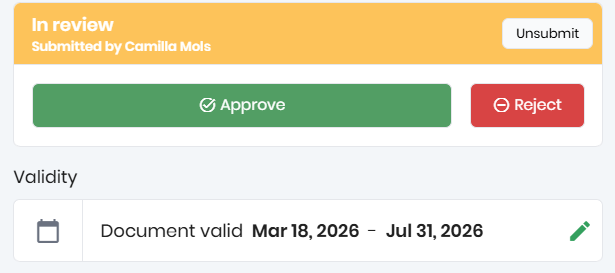
During an audit it possible to collect documents on supplier and production unit level. Once the supplier documents are set up, customers can control if there should be an approval flow per document type.
If a checkpoint requires a document the auditor can upload relevant documents during the audit and set a validity. Once the audit is submitted, the document will reach a stage of "In Review" until approved or rejected.
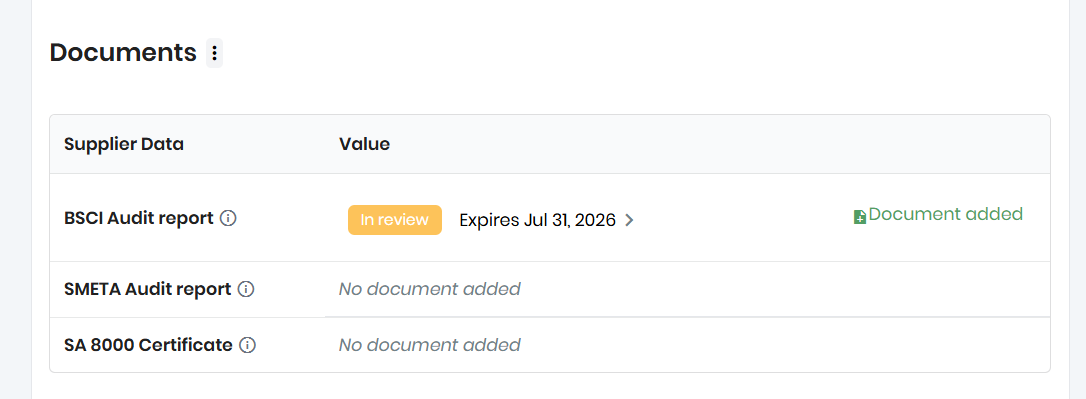
To review the document click the document line and a preview of the document will show. The document can be extracted and also new documents can be added on the top right corner of the document
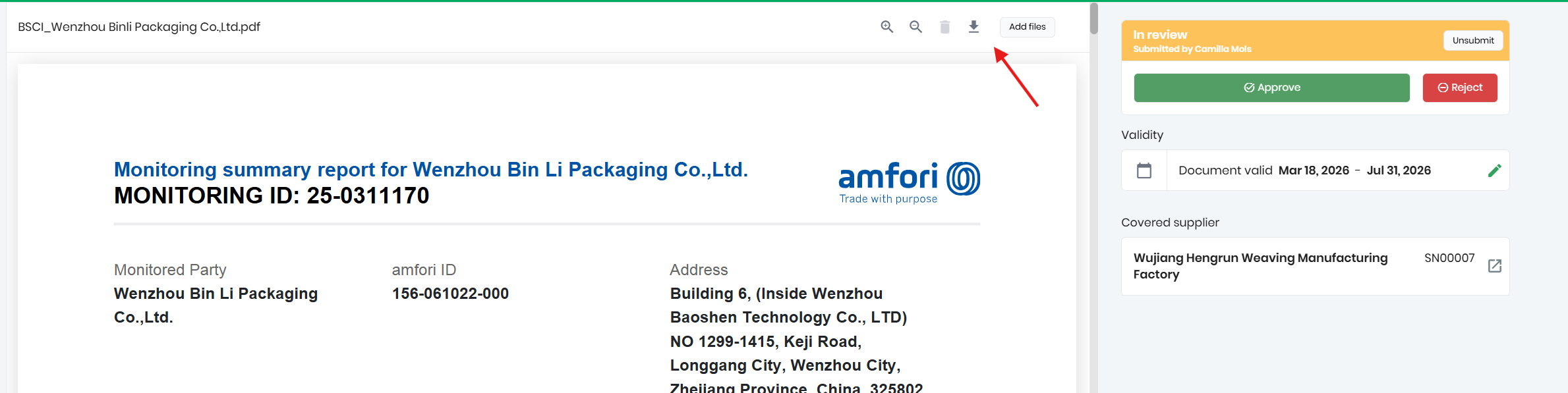
Once document is reviewed validity can be changed and document can be approved or rejected. If approved, the document will be linked to the supplier in valid status until expiry date. If the document is rejected it will keep that status until a new document is added